The world's best all-in-one notepad
Text, Markdown, Excel spreadsheets, CSV and PDFs — manage them all in one fast, secure and beautifully simple app. CopyTXT is the easiest all-in-one notepad for Windows, with a clean, user-friendly interface built for everyday work.
A free online notepad — type a note and turn it into a shareable link in one click. (Online sharing is a free web tool; the desktop app is your offline all-in-one workspace.)
- All-in-one: text, MD, Excel & PDF
- 100% free
- Fast & secure
- Works offline
Download CopyTXT for Windows
The best all-in-one notepad for Windows 10 and 11 — open text, Markdown, spreadsheets and PDFs in tabs, with autosave, a searchable file vault and a distraction-free writing surface. Free, with a small 64-bit installer.
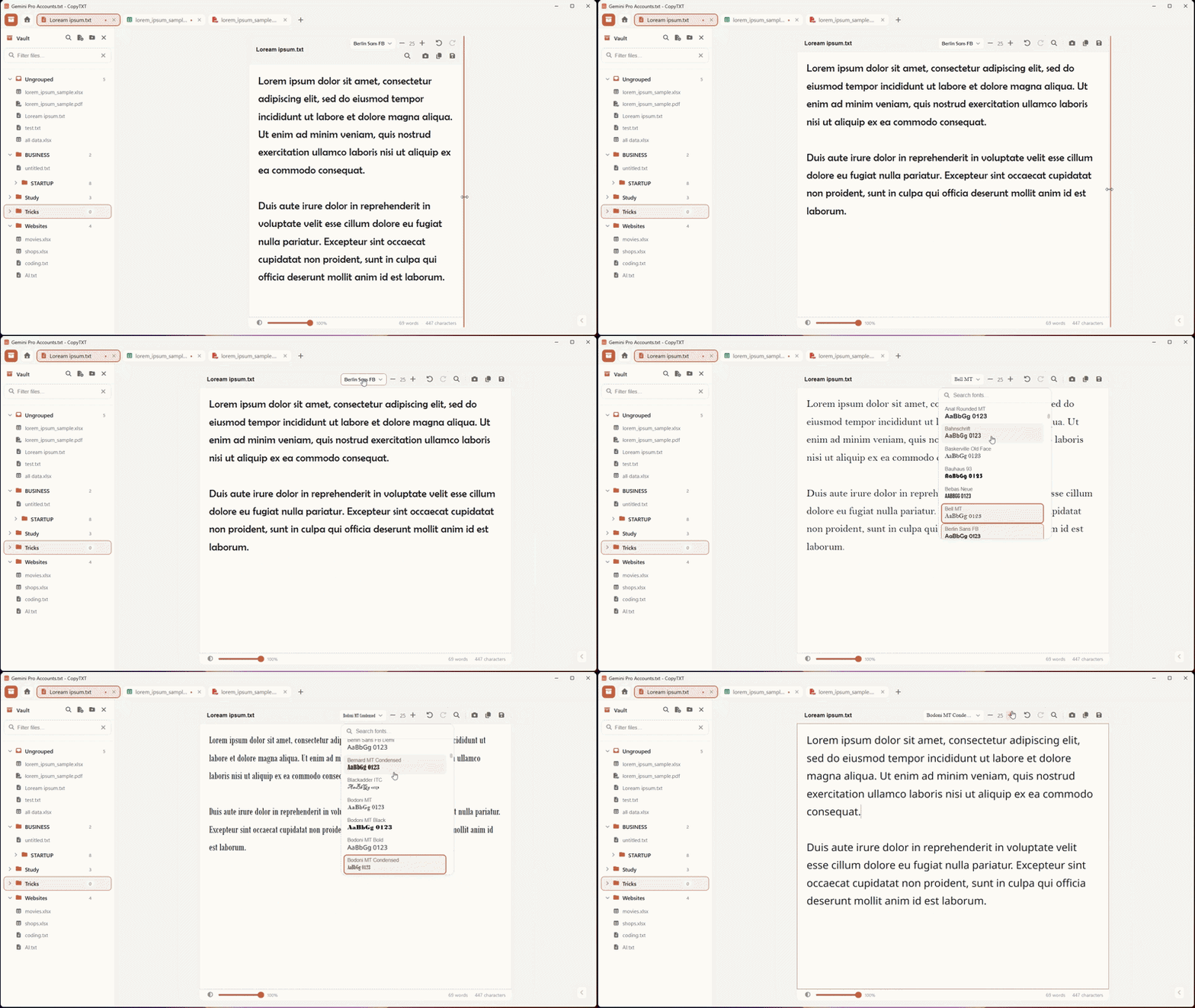
- All-in-one: text, code, Markdown, CSV, Excel & PDF in tabs.
- Fast — opens instantly, autosaves and restores your session.
- Secure — your files stay local, with optional encrypted backup.
- Organized — a nested file vault with search and drag-and-drop.
Version 1.0.0 · 64-bit installer · Free download
One app for every kind of text
Everything you need to read, write and organize — without juggling five different programs.
All-in-one formats
Open and edit plain text, code, Markdown, CSV and Excel spreadsheets, JSON and config files, and view PDFs — all side by side in one tabbed window.
Fast & autosaving
CopyTXT opens instantly and saves as you type, with full session restore. It feels as quick as the built-in notepad, with far more power.
Secure & private
Your files stay on your computer and CopyTXT works fully offline. An optional encrypted cloud backup is there only if you want it — and only you control it.
A tidy file vault
Organize notes and documents into nested groups with instant search and drag-and-drop, so your files stop scattering across the desktop.
Effortless & easy
A clean, user-friendly interface with tabs, a spreadsheet grid, Markdown preview and per-file comfort controls — powerful, yet simple from the first click.
Light & dark themes
A warm, easy-on-the-eyes light theme by default and a deep dark mode one tap away, with adjustable text size and brightness for comfortable reading.
Why CopyTXT is the best all-in-one notepad
Fast, secure, easy — and it handles every text file you deal with in a day.
Spreadsheets & CSV
View and edit Excel and CSV files in a clean spreadsheet grid — no need to open a separate office app for a quick change.
Markdown & docs
Write README files, notes and docs in Markdown with a tidy live preview and one-click code copying.
PDFs & text
Read PDFs and keep all your plain-text notes, logs and snippets in the same window, neatly tabbed.
One organized place
Stop scattering files across folders — the built-in vault keeps everything searchable and in order.
Frequently asked questions
Everything you might want to know before you download.
Is CopyTXT really free?
Yes. CopyTXT is 100% free to download and use on Windows 10 and 11. There is no trial, no subscription and no paywall — install it and start working.
What file types can CopyTXT open?
CopyTXT is an all-in-one notepad: it opens and edits plain text and code, Markdown (.md), CSV/TSV and Excel spreadsheets (.xlsx), JSON and config files, and it views PDFs — all in one tabbed window.
Why is it called an all-in-one notepad?
Instead of juggling a text editor, a spreadsheet program and a PDF viewer, you manage every kind of text and document in a single fast app. One window, tabs for each file, and a tidy vault to keep everything organized.
Is my data secure and private?
Yes. Everything stays on your computer by default — CopyTXT works fully offline. There is an optional encrypted cloud backup that only you control, so your notes and files remain yours.
Does it work on Windows 10 and Windows 11?
CopyTXT runs on 64-bit Windows 10 and Windows 11. The installer is small and there are no extra runtimes to set up.
Is CopyTXT fast?
Yes — it opens almost instantly and saves as you type with full session restore, so it feels as quick as the built-in notepad while doing far more.
Get the all-in-one notepad — free
Download CopyTXT for Windows and manage text, Markdown, spreadsheets and PDFs in one fast, secure app.